استخراج النص من الصور (OCR) مجانًا وبدون رفع

جارٍ تحميل الأداة…

PDF, image and document tools

Merge PDFs, convert images, extract text and more.

Popular tools

استخراج النص من الصور وملفات PDF بالعربية (OCR)

أداة استخراج النص تحوّل الصور الممسوحة والصور وملفات PDF إلى نص قابل للنسخ والتعديل بتقنية التعرف على النص (OCR)، وتدعم العربية والإنجليزية وأكثر من 120 لغة. يعمل التعرف داخل متصفحك.

طريقة استخدام استخراج النص من الصور (OCR)

  1. اختر الصورة أو ملف PDF أو Word.
  2. اختر لغة النص، مثل العربية أو العربية والإنجليزية معًا.
  3. شغّل الأداة وانتظر انتهاء التعرف.
  4. راجع النص، ثم انسخه أو نزّله بصيغة TXT أو Word أو PDF قابل للبحث.

معلومات مفيدة

  • يقبل الصور الشائعة وملفات PDF وWord.
  • يدعم النص العربي من اليمين إلى اليسار والنص المختلط.
  • راجع دائمًا الأرقام والقيم المهمة.

مجاني بالكامل ولا يحتاج إلى حساب. تتم معالجة ملفاتك داخل متصفحك ولا تُرفع إلى أي خادم، إلا إذا اخترت بنفسك وضع المعالجة الخاصة على الخادم.

أسئلة عن استخراج النص من الصور (OCR)

هل تدعم الأداة استخراج النص العربي من الصور؟
نعم. اختر العربية لغةً للنص، أو العربية والإنجليزية للمستندات المختلطة.
هل تُرفع صوري أو ملفاتي؟
لا. يتم التعرف على النص داخل متصفحك.
هل النتيجة دقيقة دائمًا؟
تعتمد الدقة على وضوح الصورة. راجع الأرقام والأسماء المهمة قبل استخدامها.

أدوات ذات صلة

آخر مراجعة 2026-11-26. كيف نتعامل مع بياناتك

All tools

Choose a category or search for a tool.

Loading tools…

See the result. Try the tool.

Real sample files, processed with the same tools you use.

1 of 3

Merge PDFs

Arrange your files and combine them into one PDF.

Merge PDF
Before2 separate PDFs
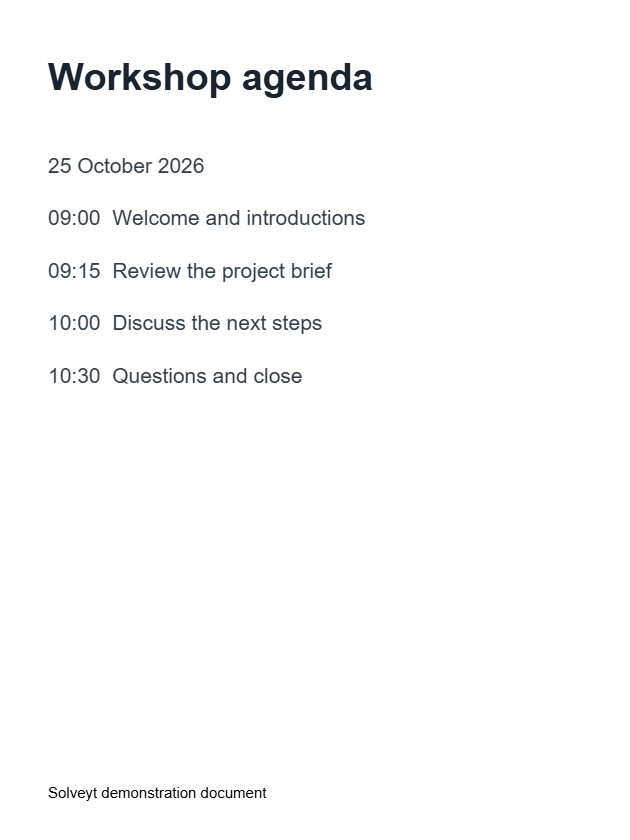
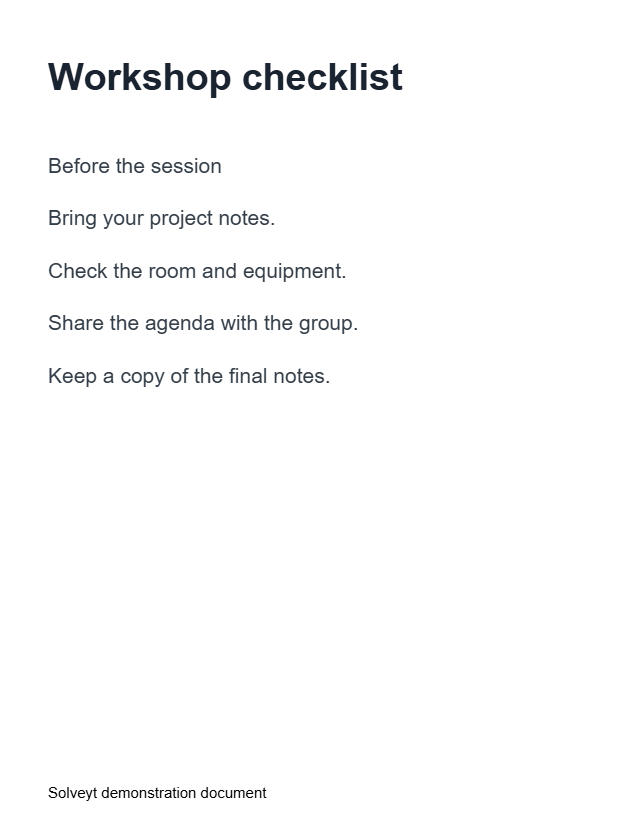
Workshop agenda PDF pageWorkshop checklist PDF page
After1 PDF · 2 pages
First page of the merged PDFSecond page of the merged PDF

Convert images

Save images as JPG, PNG or WebP.

Convert images
BeforePNG image
Earth photographed by the Apollo 17 crew, PNG input
AfterJPEG image
The same Earth photograph converted to JPEG by Solveyt

Photo: NASA / Apollo 17 crew. Source

Read scanned text

Extract printed text and correct it in the preview.

Scan to text
BeforeScanned page
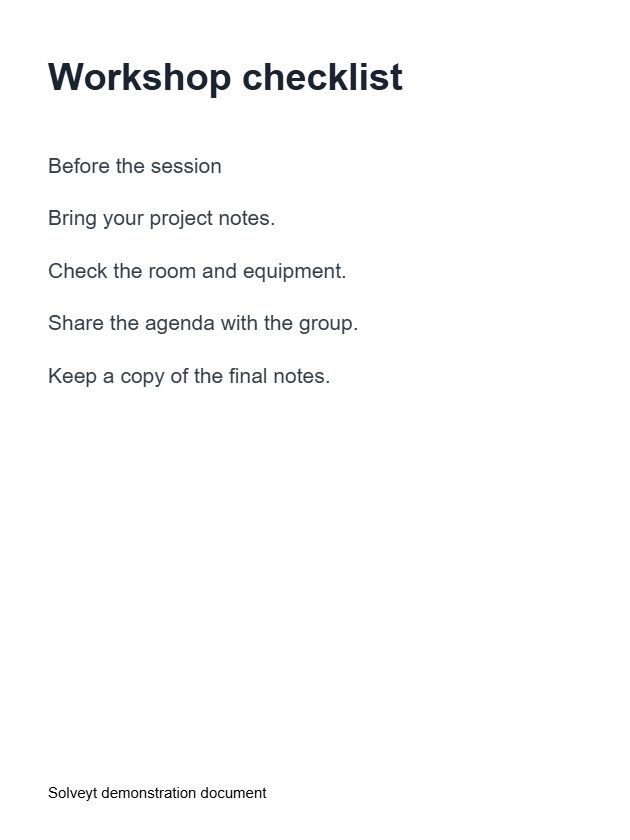
Printed workshop checklist used as the OCR input
AfterExtracted text
Workshop checklist
Before the session

Bring your project notes.

Check the room and equipment.
Share the agenda with the group.
Keep a copy of the final notes.

Solveyt demonstration document

Find tools by file type

How to use a tool

  1. Choose a tool

    Search by task or browse a file category.

  2. Add and preview

    Add your files, adjust the options and review the preview.

  3. Save the result

    Download your finished file, or save a batch as ZIP.

Using the tools

Can I process several files at once?

Use Add more files to build a batch. In tools that combine files, drag the handles or use the move buttons to set their order.

Can I choose specific PDF pages?

Use Split PDF to keep selected pages. Use Reorder PDF pages to change their order, or Remove PDF pages to delete them. Page selection accepts ranges such as 1-3, 5.

Which image formats can I export?

Image tools export JPEG, PNG and WebP. Select the output format in Options. The accepted input types and limits are listed in each tool.