Compress to GZIP online, free and private
Loading the tool…
Merge PDFs, convert images, extract text and more.
No tools found. Try a format or a shorter search.
Compress to GZIP: Compress each file into a GZIP archive. It runs in your browser, so your files stay on your device.
Free to use, with no account needed. Your files are processed in your browser and are not uploaded unless you choose an optional private server mode.
Choose a category or search for a tool.
Loading tools…
Real sample files, processed with the same tools you use.
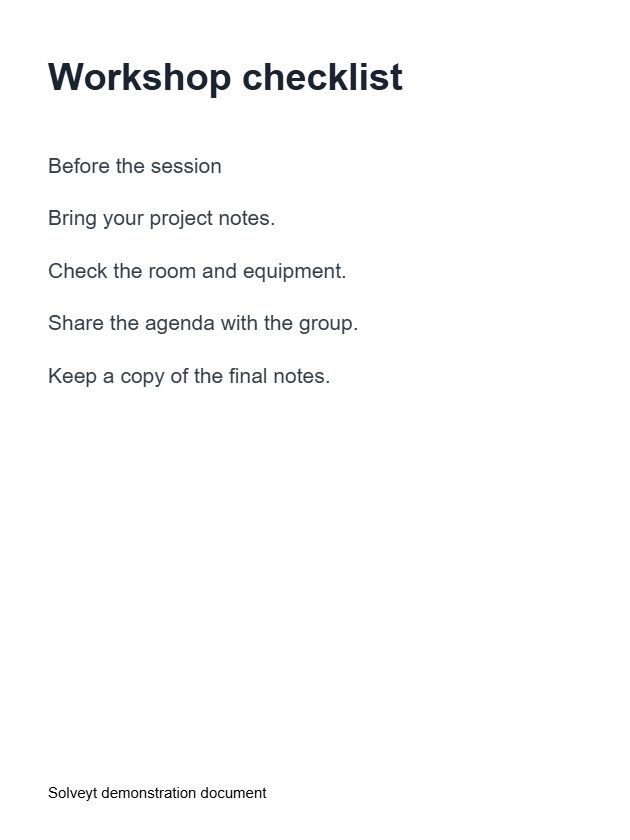
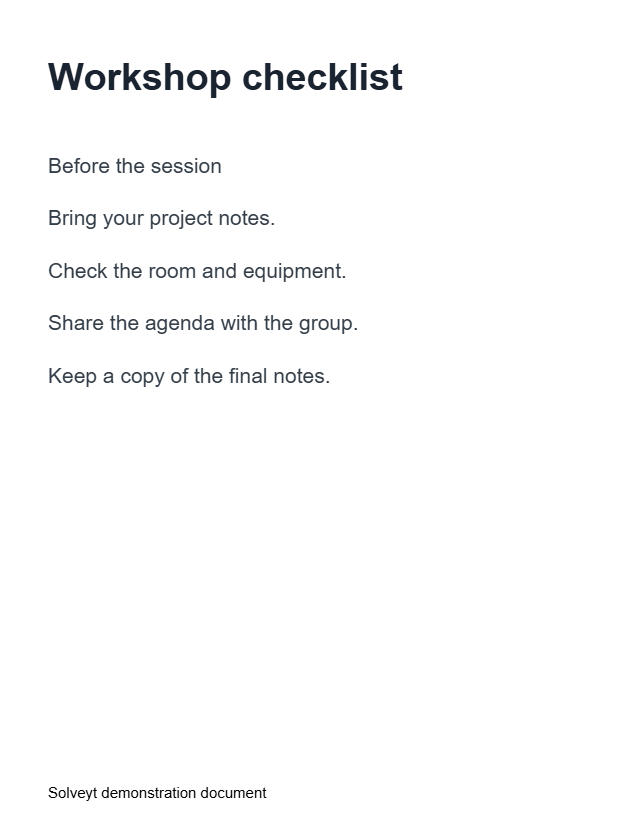
Workshop checklist
Before the session

Bring your project notes.

Check the room and equipment.
Share the agenda with the group.
Keep a copy of the final notes.

Solveyt demonstration document
Search by task or browse a file category.
Add your files, adjust the options and review the preview.
Download your finished file, or save a batch as ZIP.
Use Add more files to build a batch. In tools that combine files, drag the handles or use the move buttons to set their order.
Use Split PDF to keep selected pages. Use Reorder PDF pages to change their order, or Remove PDF pages to delete them. Page selection accepts ranges such as 1-3, 5.
Image tools export JPEG, PNG and WebP. Select the output format in Options. The accepted input types and limits are listed in each tool.